
For divorce & custody
The exchange that keeps moving, and the record of it.
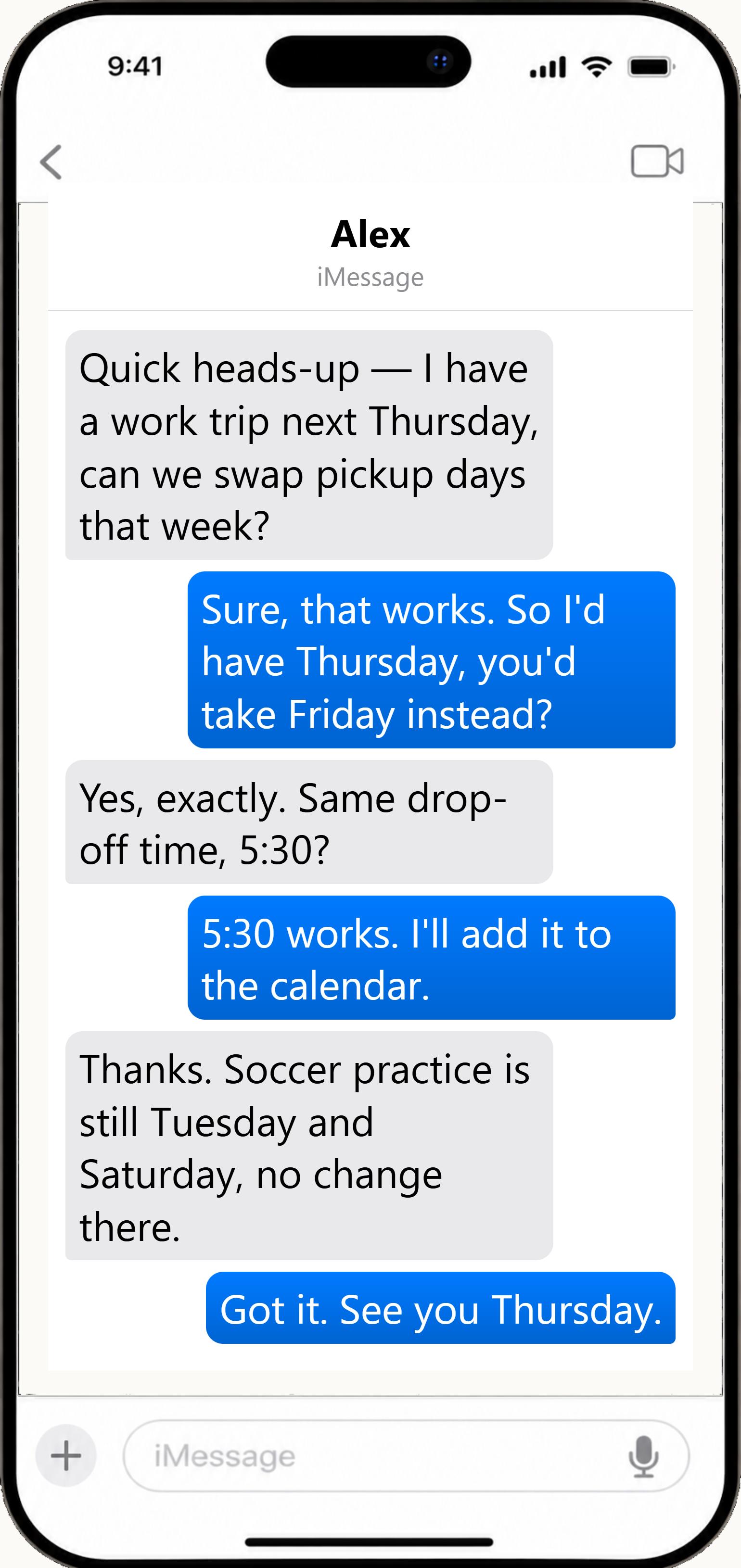
Custody disputes are rarely settled by one message. They turn on the pattern: who asked, when, and what was actually agreed. ScribeHold saves that record from your iPhone to your own Windows PC, ready to give your attorney.
 Illustrative
Why your screenshots aren't enough
The trouble is what a screenshot leaves out: the messages on either side, and the ones you never captured because that day didn't seem important yet. A pattern of late pickups is persuasive. Nine screenshots in no order aren't.
What you do instead
Install ScribeHold on your Windows PC. Plug in the cable and enter your passcode when the phone asks. Apple requires that on iOS 16.1+, every time you back up. Every message thread comes across, ready to search.
When your attorney asks for the record, choose the conversations and dates. Anything that shouldn't travel, like a new partner's messages, you take out first.
What you hand over is a numbered PDF in the format courts expect, the photos at full resolution alongside it, and a cover page showing when it was made. A separate verification file (a SHA-256 manifest) lets opposing counsel confirm nothing has changed since.
What it does not do
ScribeHold does not recover deleted messages, and it isn't a substitute for a forensic examiner. It can't send messages. Whether a record is admitted is a decision the court makes.
How ScribeHold compares
| Your question | ScribeHold | TextExhibit | iMazing | Decipher |
|---|---|---|---|---|
| Will my export hold up if opposing counsel objects? | Yes. Bates-numbered PDF/A, separate SHA-256 manifest, affidavit cover, and per-message metadata CSV — all matter-bound to your case caption and case number | Partial. Bates numbering and a SHA-256 and MD5 verification report over the source and every output PDF — but no affidavit, no PDF/A and no case caption * | Partial. Signed PDF and a SHA-256 backup checksum — but Business subscription only, and the checksum requires an encrypted backup. No Bates numbering, no affidavit cover, no redaction, no PDF/A in any tier * | No. Exports PDF, CSV, HTML and TXT; no hash manifest, no signature, no affidavit cover * |
| Can I redact what should not be produced? | Yes. Redact privileged, irrelevant, or third-party content before export. Redactions are applied at render time and disclosed in the bundle rather than applied silently | No. The only redacting it does is to its own trial output, as copy protection * | No. No redaction capability * | No. No redaction capability * |
| Can it get my messages off the phone by itself on Windows? | Yes. ScribeHold reads the device directly on Windows — no Mac, no iTunes, and nothing you had to create beforehand [1] | No. Reads a folder Apple Devices or Finder wrote earlier; making that copy is documented as step 1 of 3 * | Yes. Creates its own device backup on Windows * | Partial. Requires iTunes installed to obtain the backup * |
| Does it sync automatically in the background? | Yes. Windows Service — plug in + tap your passcode once; ScribeHold detects the device, copies the new messages, and indexes them automatically. No app to open. [1] | Not established. No publicly documented capability found as of the review date [3] | Partial. iMazing Mini provides background backups on Windows * [2] | No. Manual; requires iTunes installed and the app open * |
| What does it cost? | $4.99/month or $49/year ScribeHold Complete ($39/year on renewal) · $149/year Legal Export Pack ($119/year on renewal, includes everything in Complete) · Free searches everything, opens the last 90 days, exports the last 30 days | $19.99 once for one iPhone on up to three computers, or $14.99/month or $99.99/year for each computer seat * | Annual subscription only since June 2025 — no monthly tier. One personal tier; the evidence tooling needs the separate Business subscription. We could not verify a current price from a published page * | $29.99 one-time, two device activations — no subscription, updates included * |
| Can I find any message in seconds? | Yes. Full-text search (SQLite FTS5) across iMessage, SMS, MMS, RCS | Not established. No publicly documented capability found as of the review date [3] | Not established. No publicly documented capability found as of the review date [3] | Yes. Search within the app, across one or all conversations * |
[1] USB connection and a passcode tap on the device are required each time ScribeHold reads the phone (Apple requires this on iOS 16.1+). [2] iMazing Mini's background-sync behaviour on Windows has not been independently verified by ScribeHold. Claim sourced from imazing.com/mini. [3] “No publicly documented capability found as of the review date” does not mean the competitor was technically audited — only that we found nothing published either way, and would rather say so than mark the row against them. Each claim carries its own source and verification date in its footnote marker; competitors change their products, so we re-check and re-date rather than asserting one blanket date. Where we could not verify a fact from a published page, we say so instead of estimating. A fuller side-by-side against TextExhibit, including the rows it wins, is on ScribeHold vs. TextExhibit. Sources: textexhibit.com, imazing.com, deciphertools.com.